
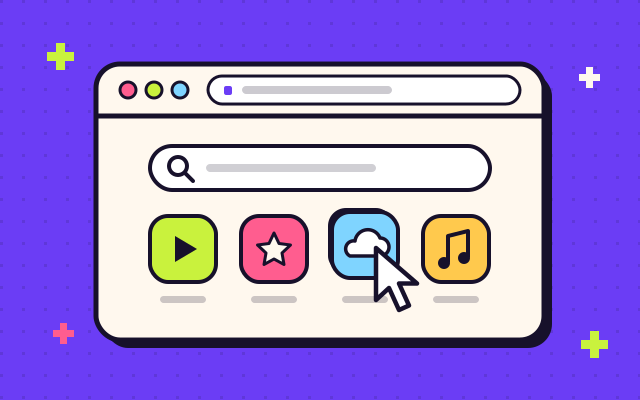
Web Browser for Roku TV
Browse the whole internet on your Roku TV, with a smooth pointer, tabs and a keyboard designed for the remote.
On Roku TVTake a closer look
Byte Mojo Entertainment makes Web Browser for Roku TV, the easy way to browse the internet on your television with nothing but your remote. Plus a growing family of streaming apps for movies, radio and podcasts.
 Couch-approved
Remote-ready
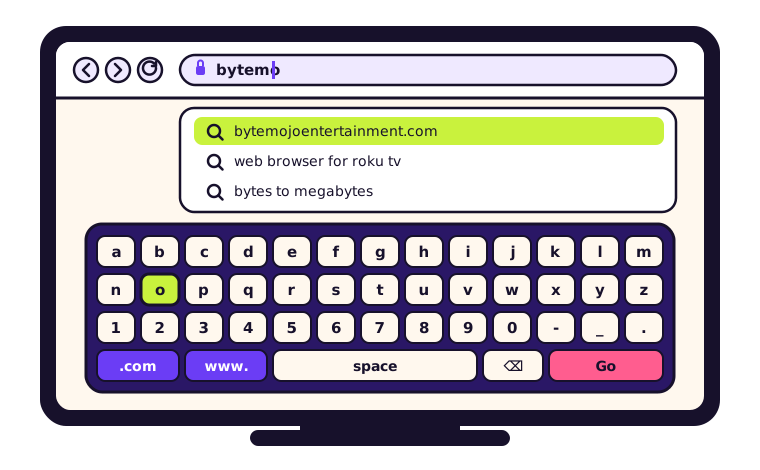
Browse the internet on your Roku TV like you do on your phone, only bigger. Typing a web address with a remote shouldn’t feel like a puzzle, so Web Browser is designed for the D-pad from the very first pixel. Checking the news, pulling up a recipe or settling a debate takes a few clicks, not a few minutes.
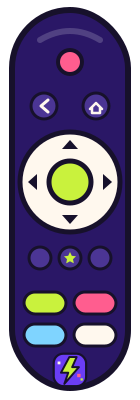
Steer a smooth on-screen cursor with the arrow keys and press OK to click. No mouse required.
Handy .com and www. keys plus search suggestions mean far less typing with the remote.
Keep a few sites open at once and hop between them without losing your place.
Make any page bigger so it’s easy to read from across the room.
Pin your favorite sites to the start page so they’re always one click away.
Jump back to recent pages, or clear your browsing history whenever you like.
Alongside Web Browser for Roku TV, we make streaming apps for the moments in between: classic films on a rainy afternoon, live radio from the other side of the world, a podcast while you cook.
Browse the whole internet on your Roku TV, with a smooth pointer, tabs and a keyboard designed for the remote.

Stream timeless films and much-loved shows on your Roku TV, ready whenever you are. Grab the popcorn and press play.

Stream live radio stations from cities all over the globe, straight to your living room.

Stream the shows you love and discover new voices, with big artwork and simple remote controls.
We’re always cooking up something new to stream. Have an idea for an app you’d love on your Roku TV?
Pitch us an ideaFind Web Browser and our streaming apps by searching for them by name on your Roku TV or streaming player.
Byte Mojo Entertainment is the independent studio behind Web Browser for Roku TV and a family of streaming apps. We take the things people love doing on their phones and laptops and rebuild them for the biggest screen in the house.
Every app we ship is designed to be picked up with a remote and understood at a glance, whether you’re eight or eighty, a tech whiz or someone who just wants the thing to work.
House rule“If it feels awkward on a remote, it doesn’t ship.”
Every screen starts with the D-pad. If it feels awkward on a remote, it doesn’t ship.
We keep our browser and streaming apps lean, so they feel snappy on Roku TVs and streaming players alike.
Big type, bold focus states and zero clutter, so everything is clear at a glance.
We read every message and roll your feedback into regular updates.
Can’t find what you need? Email [email protected] and a real person will get back to you.
On your Roku TV or Roku streaming player, open the store, search for the app by name and look for Byte Mojo Entertainment as the developer. Then add it to your home screen.
Web Browser and our streaming apps are built for Roku TVs and Roku streaming players. Availability can vary by device model and country, and the store on your device only shows apps that are compatible with it.
Nope. Everything works with the standard Roku remote: the arrow keys move the pointer, OK clicks, and the on-screen keyboard takes care of typing.
Email [email protected] with the app name, your Roku model and a quick note on what happened. A photo of your TV screen helps a lot.
Our Privacy Policy explains what we collect and why. For privacy questions or requests, email [email protected].
Partnerships, press, feedback or just a friendly hello: our inbox is open, and a real person reads every message.